
SPACE SYMPOSIUM
DOWNLOAD THE APP
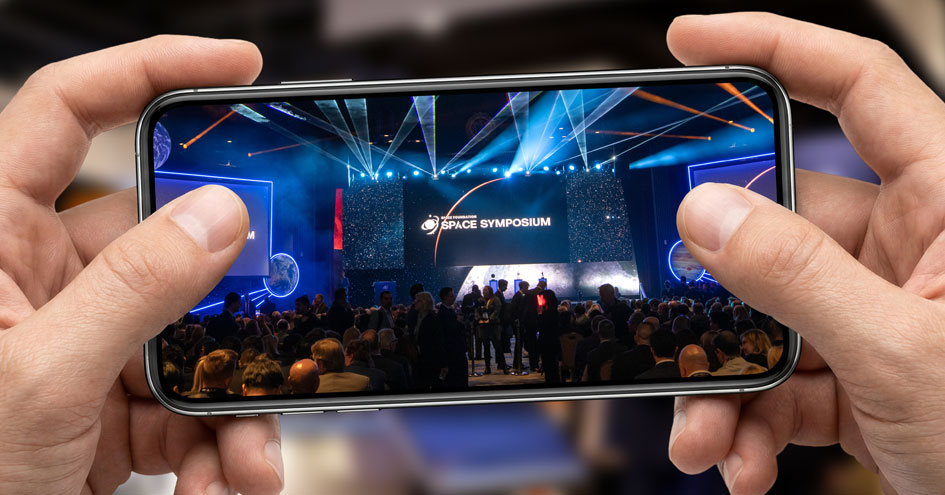
Make the most of every moment at Space Symposium with the Space Foundation Event app. Connect with fellow attendees, discover valuable networking opportunities, schedule meetings, explore the agenda, access event information and updates, and stream available sessions all from one convenient place. Whether you’re planning ahead or navigating the event onsite, the app helps you stay connected and get more from your Space Symposium experience.
Space Symposium App
Follow These Simple Steps
01
Check Your Email
Before the event, you'll receive an email invitation from the Space Foundation Team with your personal access link.
Don't see it? Check your spam or junk folder.
02
Download the App
Mobile:
Download the Space Foundation Event app from the App Store or Google Play.
Desktop:
Click your personal event link to access the Space Symposium Event in your web browser.
03
Log In to the Event
Open the app or click your event link.
Enter the same email address you used to register for Space Symposium.
Follow the login instructions and enter the Join Code from your email invite.
Attendee Info Menu
04
Set Up Your Profile
To get the most out of the app, add your:
- Name, title, and organization
- Profile photo
- Interests and goals.
This helps the app recommend relevant people for you to meet.
05
Start Networking
Browse recommended connections
Send meeting requests to other attendees
Accept meeting invites from others
06
Explore the Event
Within the app, you can:
- View the agenda and sessions.
- See Speaker, Co-Sponsor and Exhibitor lists.
- Access important event updates.
Didn't get your email?
No problem. Download the app and enter the email address you used to register. You'll be able to request a new access code.


Need Help?
If you have trouble accessing the app during the event, we're here for you.